Import from SolarEdge
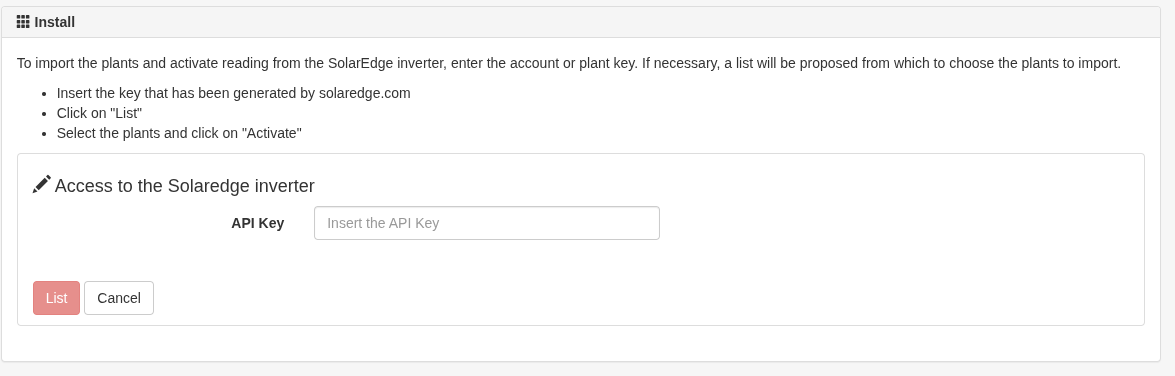
You can import systems from SolarEdge by entering an API key generated from the SolarEdge monitoring portal. Sunreport will read the available data and automatically connect the device as the energy measurement source.
How it works
- Log in to the monitoring.solaredge.com portal
- Generate an API key for the account or for a specific system
- In Sunreport, go to
Settings > Add Systemsor click on “+” on the main screen - Select Import SolarEdge
- Enter the key and click Activate
If your account contains multiple systems, you will see a list where you can select the ones to import.
What happens next
Sunreport will verify the key’s validity and import the technical information for the selected systems.
The system will also automatically connect the SolarEdge inverter as a measurement device: you’ll immediately begin receiving production data.
If you’re unsure how to obtain the SolarEdge API key, refer to this page for step-by-step instructions.