Manual Creation
You can manually add a new system at any time.
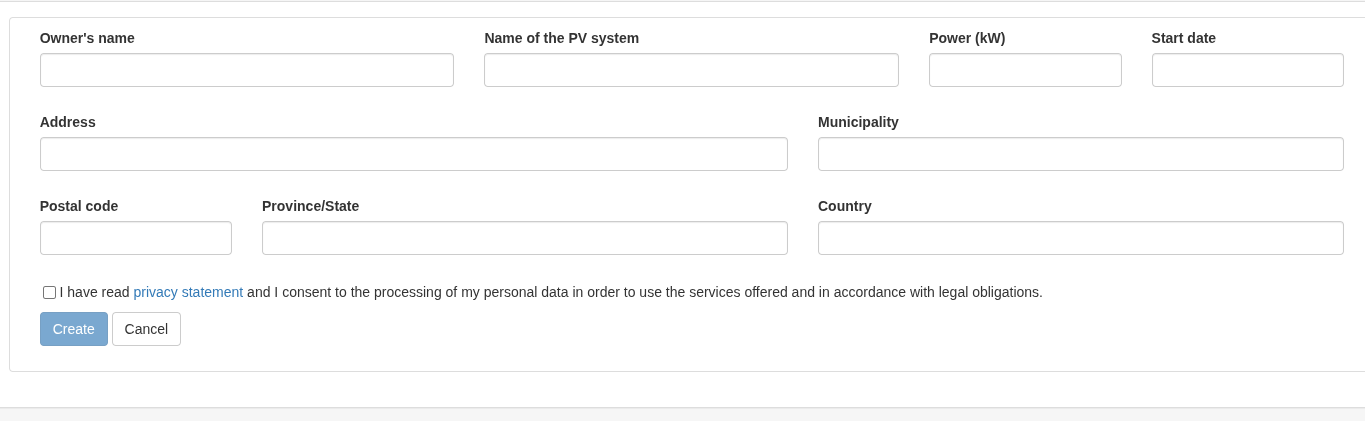
From the menu Settings > Add Systems or by clicking the + button on the main screen, you’ll access the guided creation process.
Enter all technical data, accept the privacy policy, and save the settings.
After saving, the system will appear in your list and you can proceed to connect the devices for data reading.
If the Save button doesn’t appear, check the fields for any errors by clicking through them.
Manual creation is useful when you don’t want to—or can’t—import the system from external sources.